Every year, thousands of companies start managing their inventory in Excel. Free, flexible and already familiar to most teams, the spreadsheet is often the first answer to the question: “how do I track what comes in and out of my warehouse?” This guide shows you how to use it correctly, its real limitations, and when it's time to move to the next step.
How to manage your inventory in Excel: the basics
A minimal Excel inventory table contains these columns:
- Product reference (unique code)
- Name
- Initial stock (at start)
- Inflows (receipts)
- Outflows (uses, sales)
- Current stock = initial + inflows − outflows
- Alert threshold (minimum stock before reordering)
The basic formula: =C2+D2-E2 (current stock = initial stock + inflows − outflows). Conditional formatting can highlight in red any rows where stock drops below the threshold.
Download GSE Excel — the free professional file
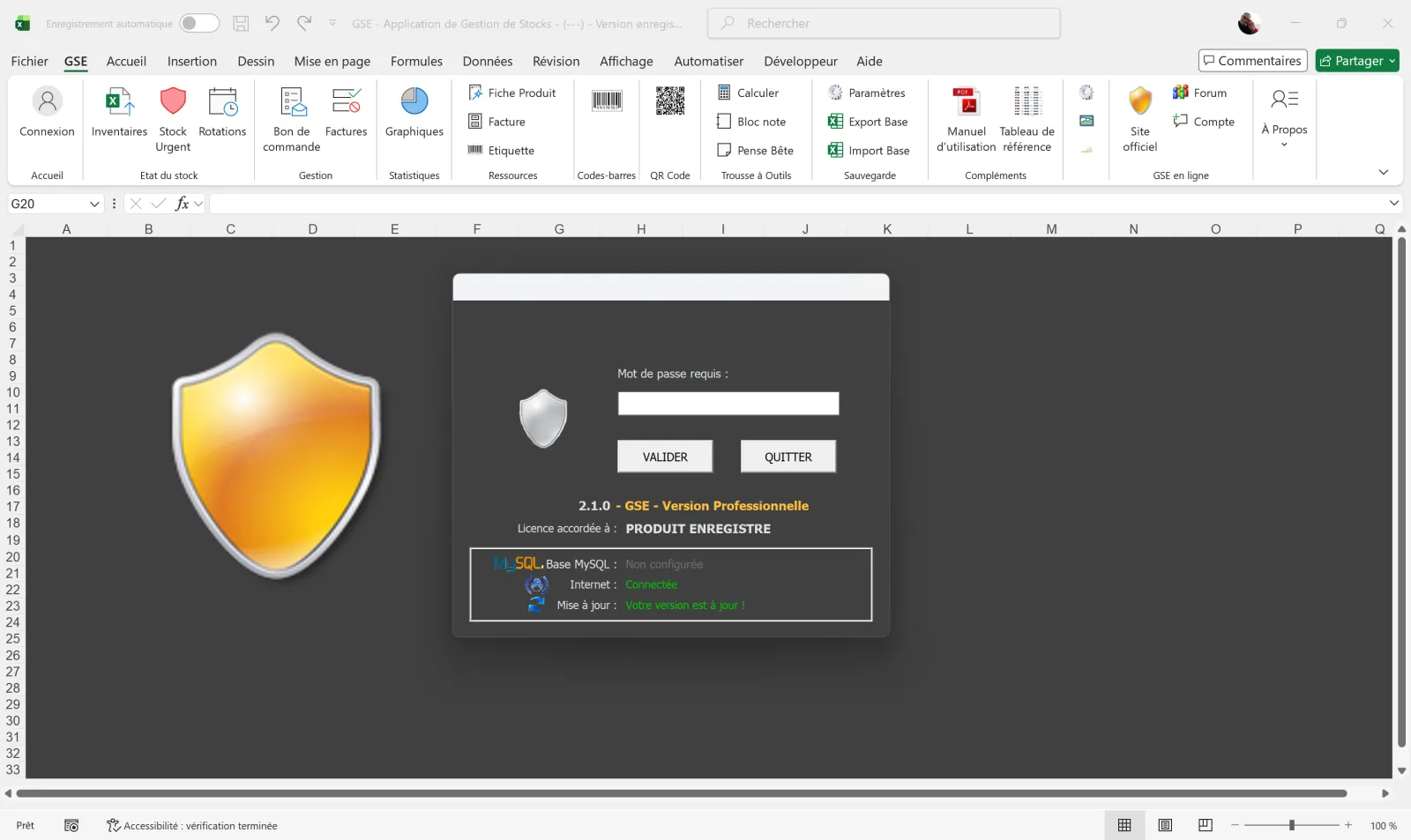
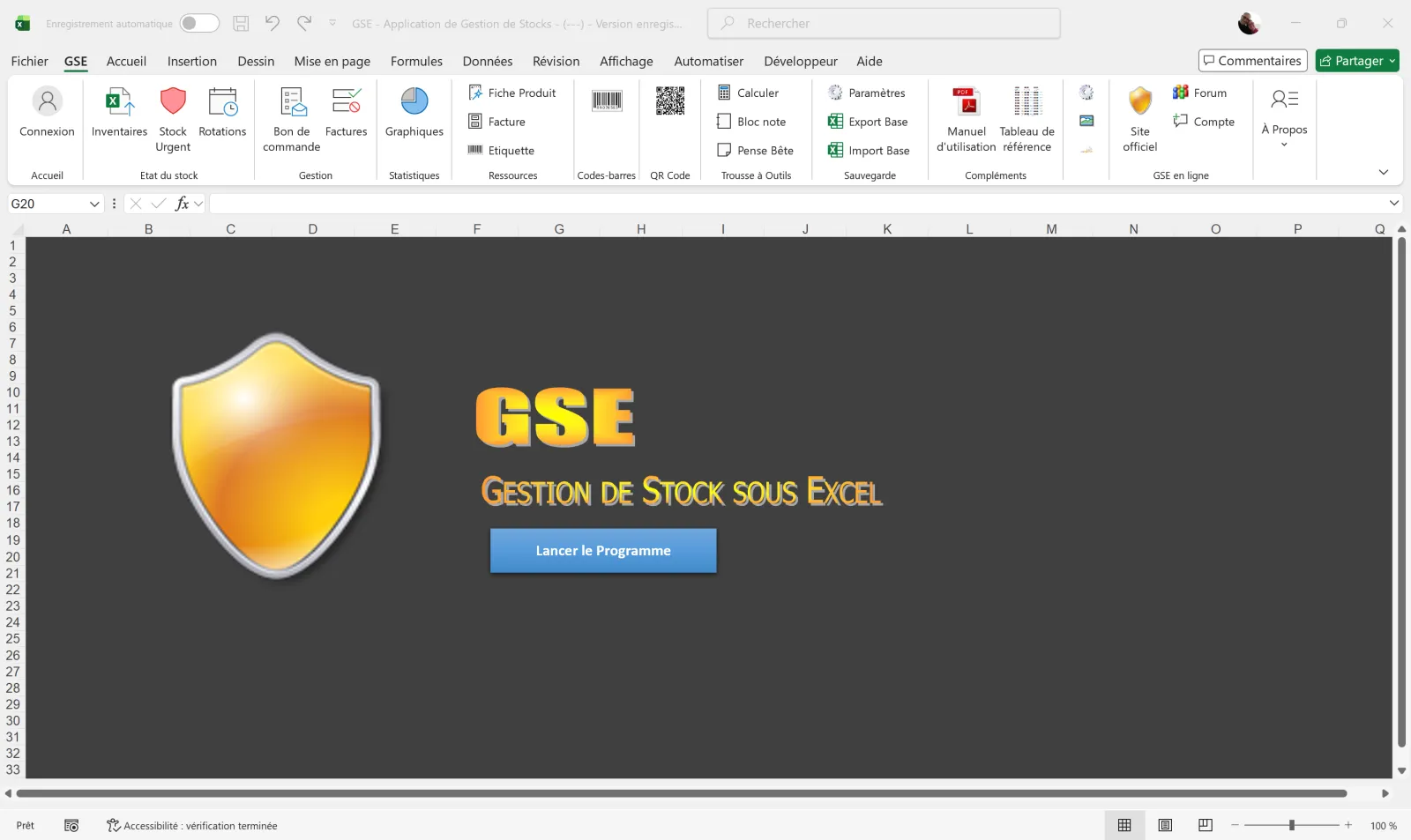
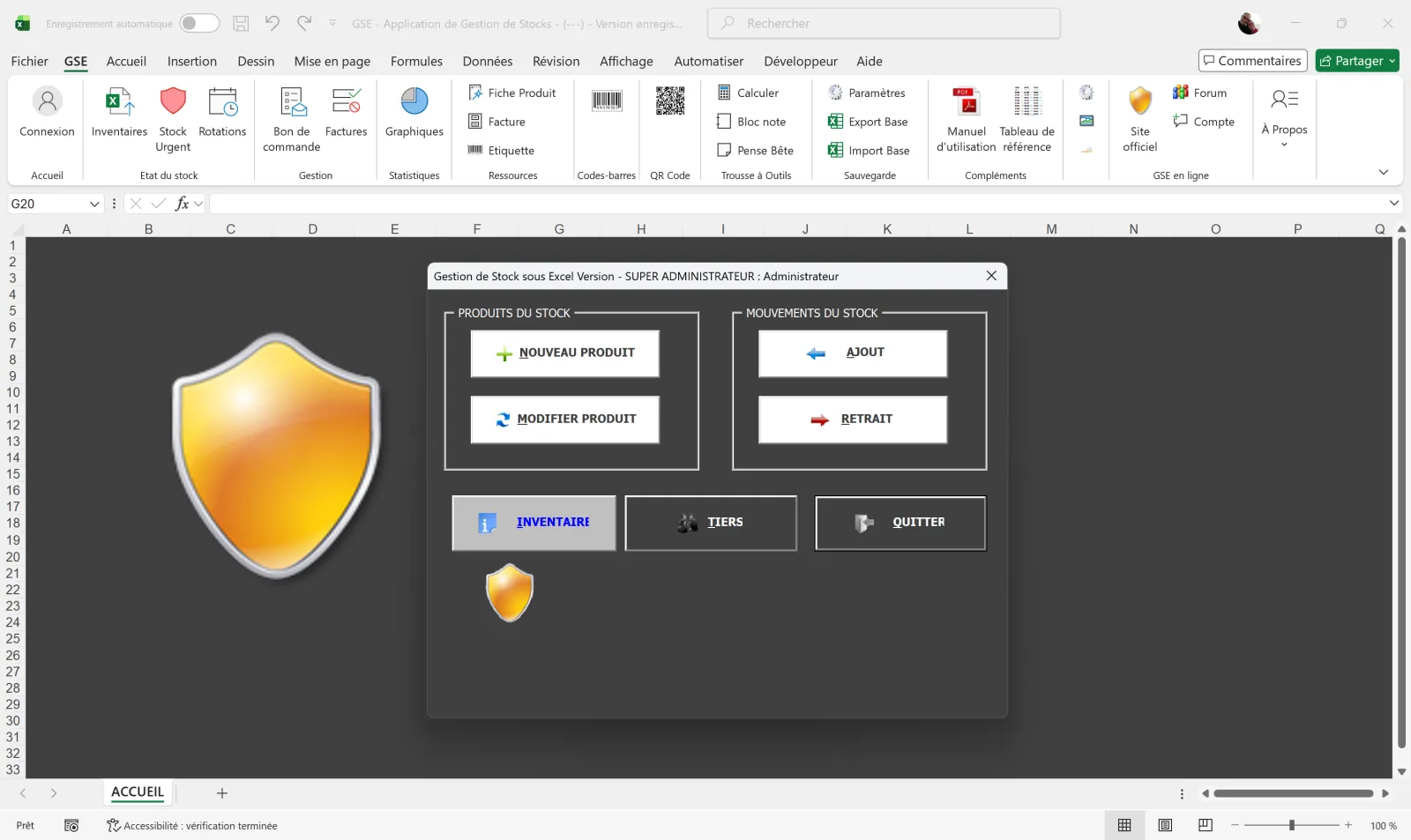
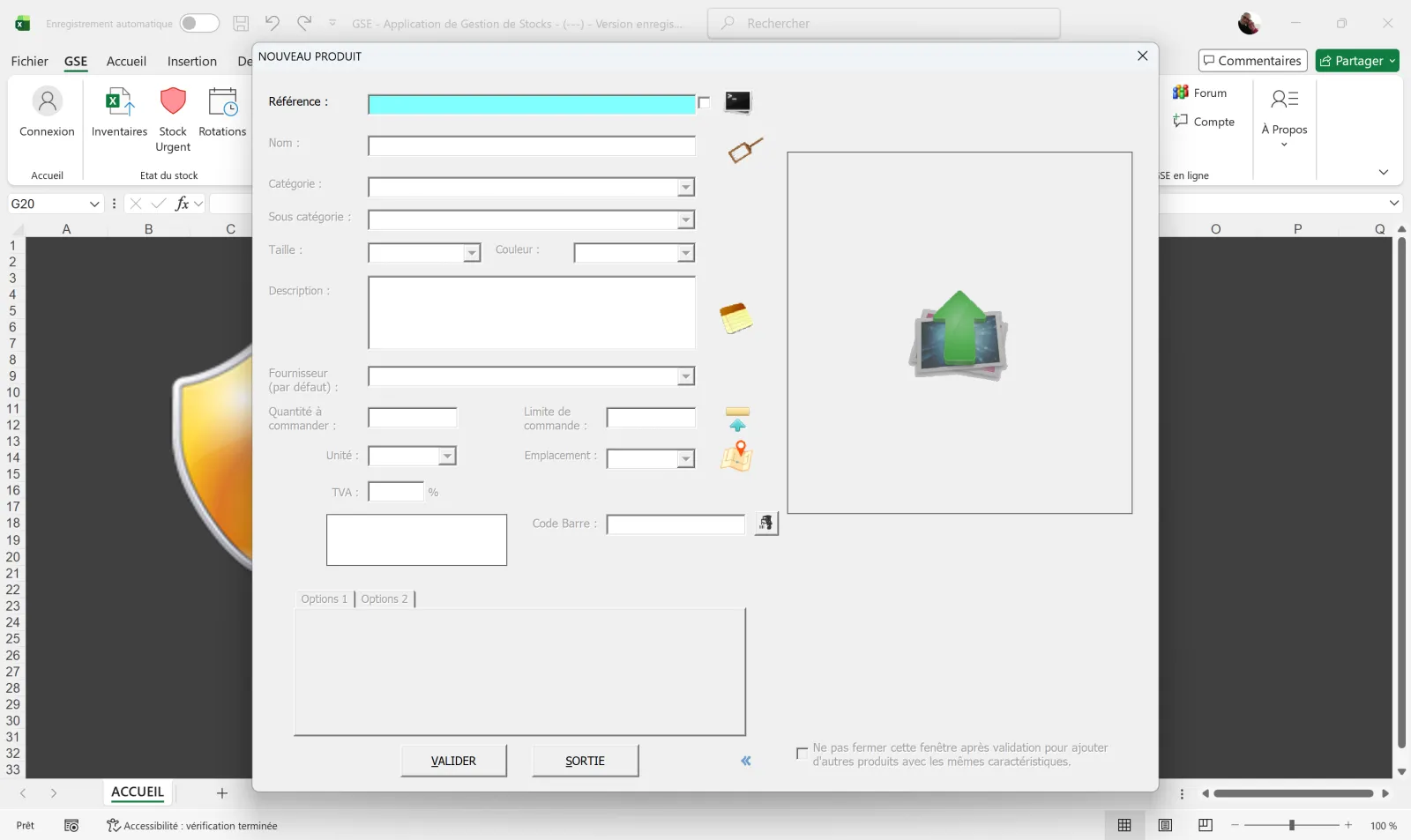
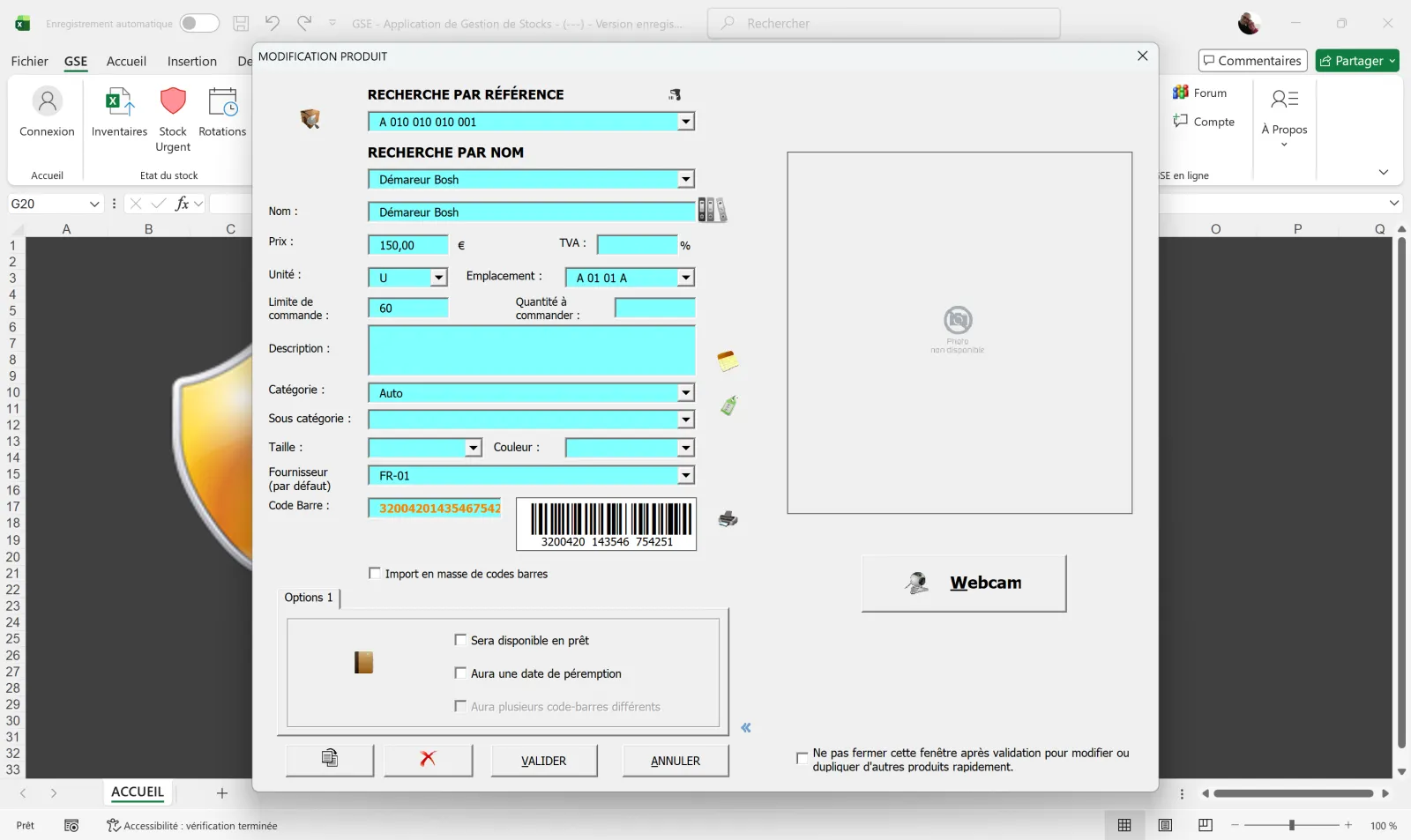
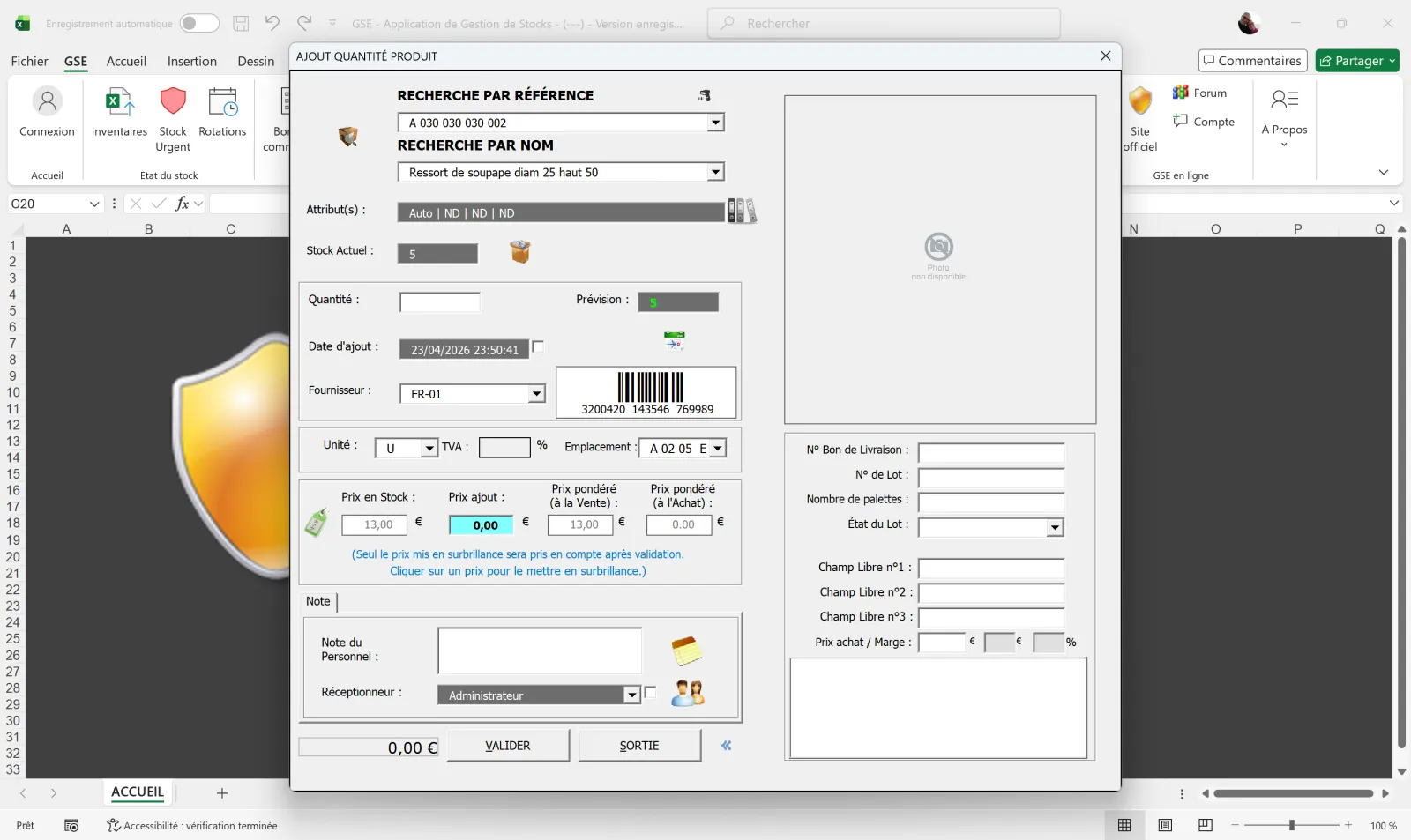
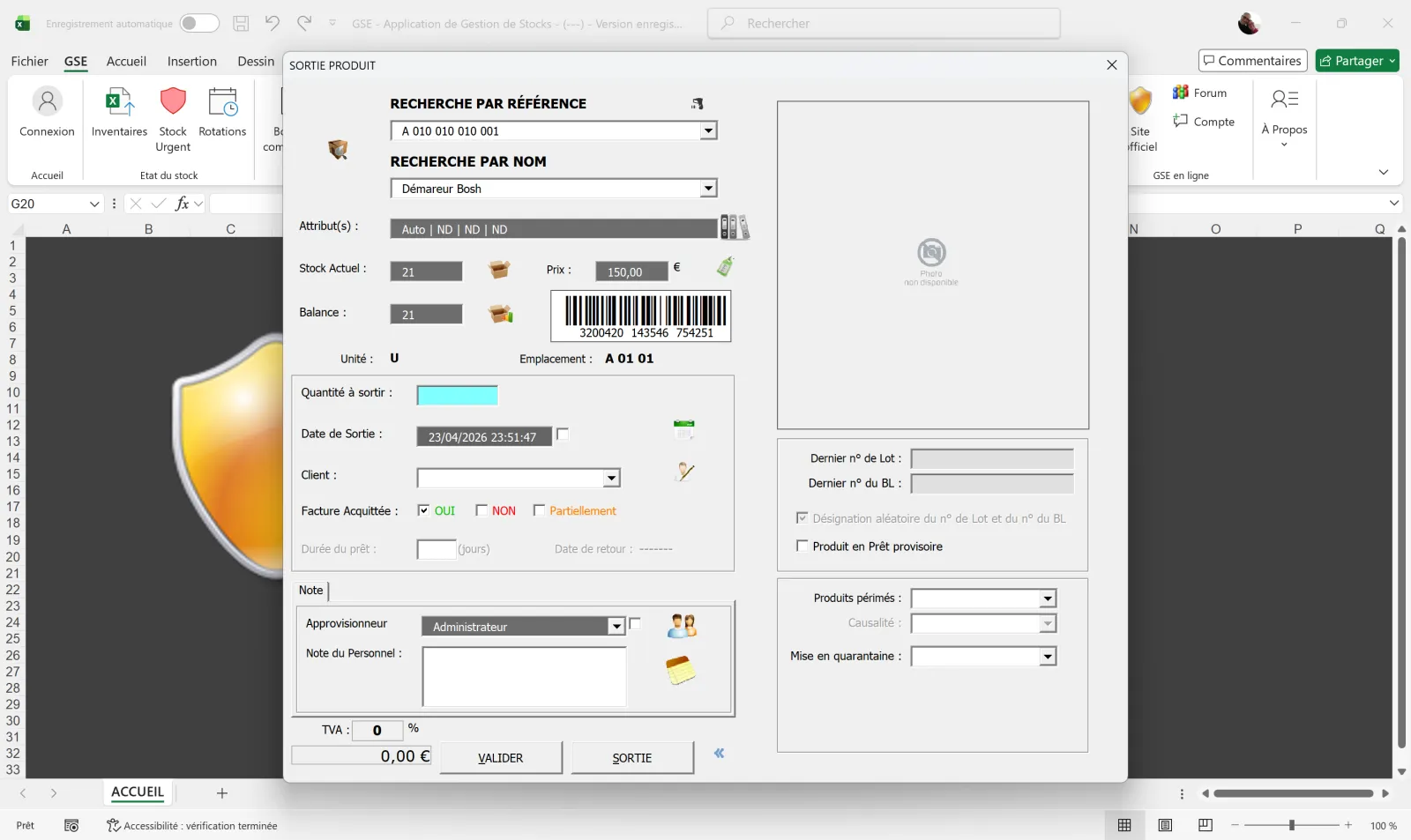
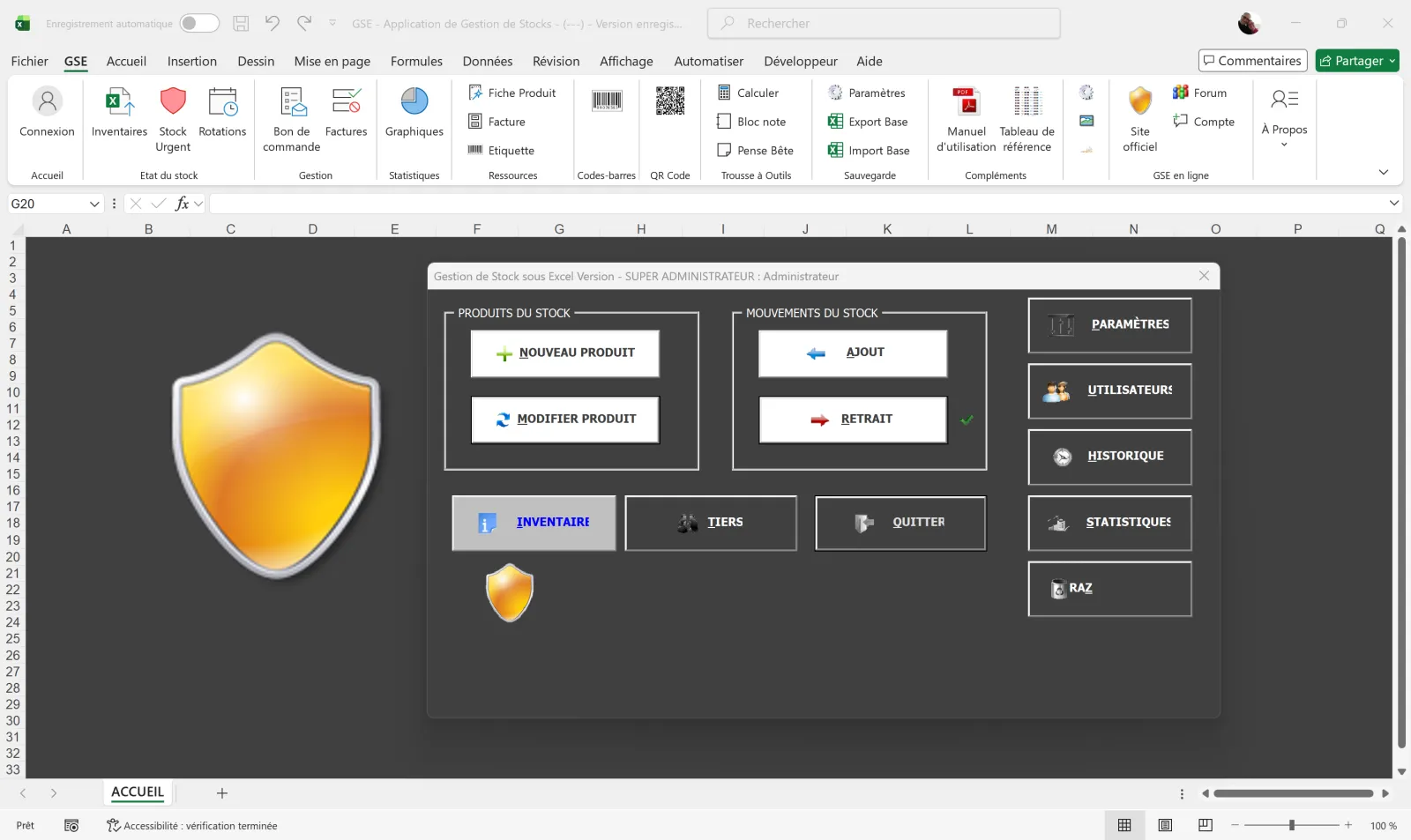
KLS-Concept offers GSE Excel: an Excel file with VBA macros, designed in 2016 and downloaded by more than 30,000 users. It includes inflow/outflow management, inventory, threshold alerts and exports. The ideal starting point.
📥 GSE Excel
Excel file with VBA macros. Inflows/outflows, threshold alerts, inventory, exports.
Download for free →The benefits of Excel for inventory management
✅ Free and immediately available
No subscription, no extra installation. If your company uses Microsoft 365, Excel is already there.
✅ Flexible and customizable
You can add columns, build custom formulas, generate rotation charts. Excel adapts to almost any business need.
✅ Familiar to teams
No specific training required. Your teams already know how to navigate a spreadsheet, which makes adoption easy.
Excel's limits — not to be ignored
❌ No real-time multi-user editing
Two people can't edit the same Excel file at the same time without risk of conflict or overwriting. In a warehouse with multiple operators, that's a real limitation.
❌ No native barcode scanning
Excel doesn't handle scanning by gun or smartphone. Every movement has to be entered manually — a source of errors and lost time.
❌ No automatic alerts
Conditional formatting can flag low stock, but Excel doesn't send email or SMS notifications when a threshold is crossed.
❌ High risk of human errors
An overwritten formula, a row inserted in the wrong place, a column shift — and the entire inventory becomes wrong. Without an audit history, you can't track down the error.
❌ Limits with large catalogues
Beyond a few hundred references, Excel slows down, becomes hard to maintain, and cross-lookups (stock by location, by batch, by supplier) become tedious.
When should you switch from Excel to inventory management software?
Here are the signals that Excel is no longer enough:
- You have more than 200 active references
- Several people need to enter data simultaneously
- You operate across multiple sites or warehouses
- You need batch traceability (food, pharma)
- You manage customer or supplier orders
- Your inventories take more than a day
From this point on, software like GSE-Web offers barcode scanning, automatic alerts, complete history and smartphone access — without the risk of error inherent in a shared Excel file.
Frequently asked questions
Create a table with these columns: reference, name, initial stock, inflows, outflows, current stock (formula =initial+inflows-outflows), alert threshold. Add conditional formatting to visualize critical stock. For a pre-configured file, download GSE Excel from this site.
Yes. GSE Excel is an Excel file with VBA macros, downloadable for free on kls-concept.com. It includes inflow/outflow management, inventory, threshold alerts and exports. More than 30,000 users have downloaded it.
GSE-Web is the natural solution for GSE Excel users who need to take the next step. It keeps the same logic (inflows/outflows/inventory) but adds real-time multi-user editing, barcode scanning, automatic alerts and smartphone access. Importing your existing database is included.
Oui. GSE sous Excel est téléchargeable en .xlsm (fichier Excel avec macros VBA). Le mode d'emploi et la documentation sont fournis au format PDF imprimable. Vous pouvez aussi générer des PDF directement depuis le fichier Excel : inventaire, bons d'entrée/sortie, état des stocks, alertes seuil.
L'application Excel de gestion de stock GSE est entièrement gratuite, fonctionne hors-ligne, et inclut macros VBA, formulaires de saisie, tableau de bord, alertes seuil et exports PDF. Pour 1 utilisateur, jusqu'à 200 références, c'est l'option la plus rapide à mettre en place. Au-delà, mieux vaut basculer sur GSE-Web (multi-utilisateurs, scan code-barres).
The free Excel file
To structure a simple stock: inflows, outflows, inventory, threshold alerts. Ideal for up to 200 references, 1 user.
- ✓ Professional VBA macros
- ✓ No commitment, no limit
- ✓ Instant download
GSE-Web — the logical next step
Multi-user, barcode scanning, email alerts, smartphone access, multi-site. Direct import of your existing Excel database.
- ✓ From €199/year (PRO)
- ✓ Excel database import included
- ✓ Free video demo